


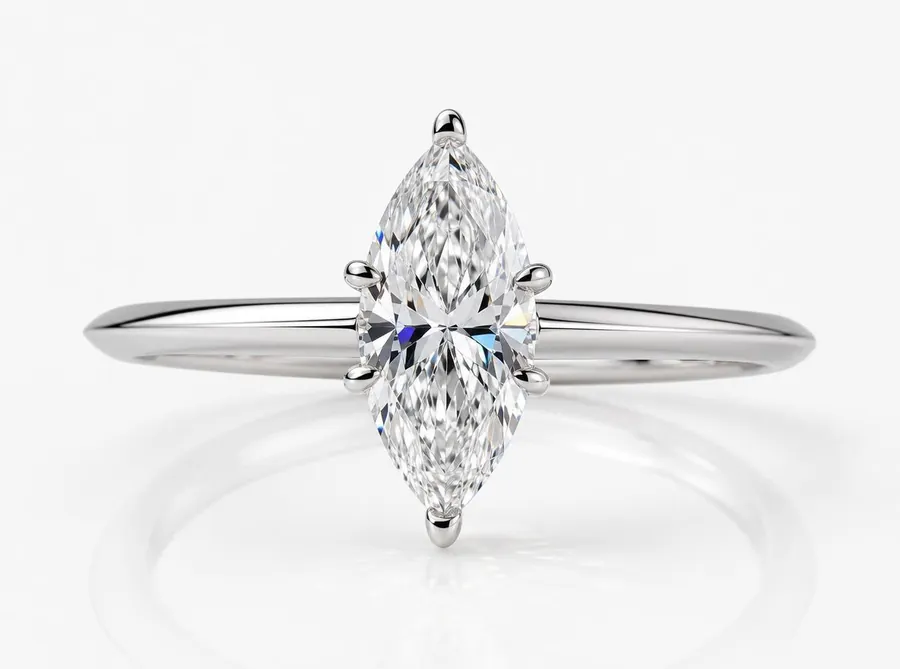
Product shot
Crisp, clean product images for your online store and catalogues.
Turn CAD or product photos into studio-quality jewellery imagery.
AI powered. Jewellery perfected.
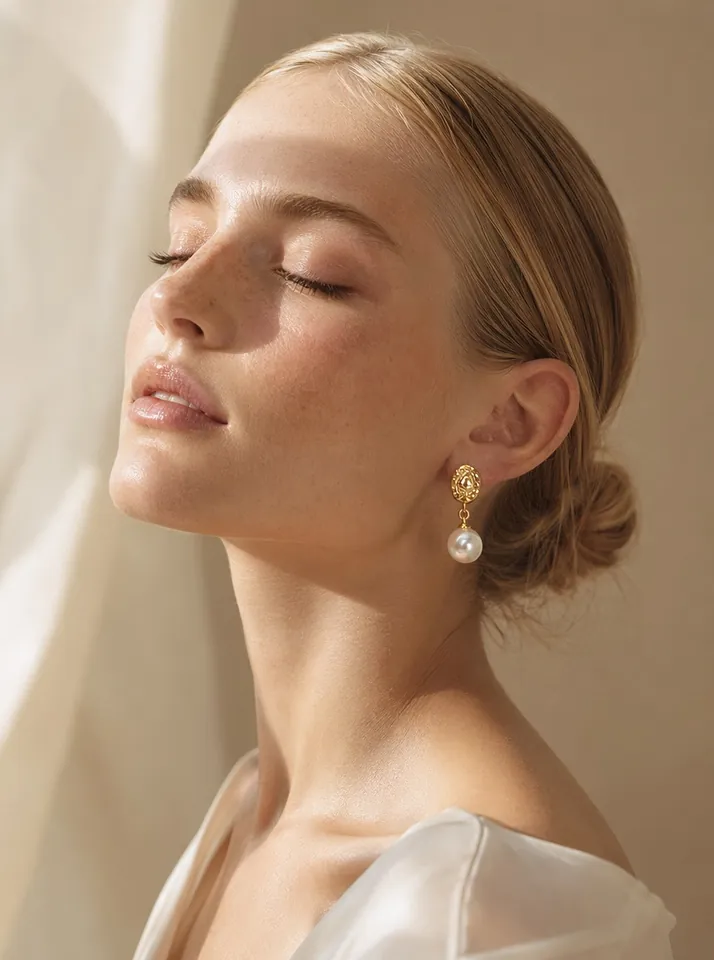
Generate photorealistic product shots, model try-on images, lifestyle scenes and campaign visuals from your jewellery photos, sketches or 3D CAD files — in minutes, not weeks.
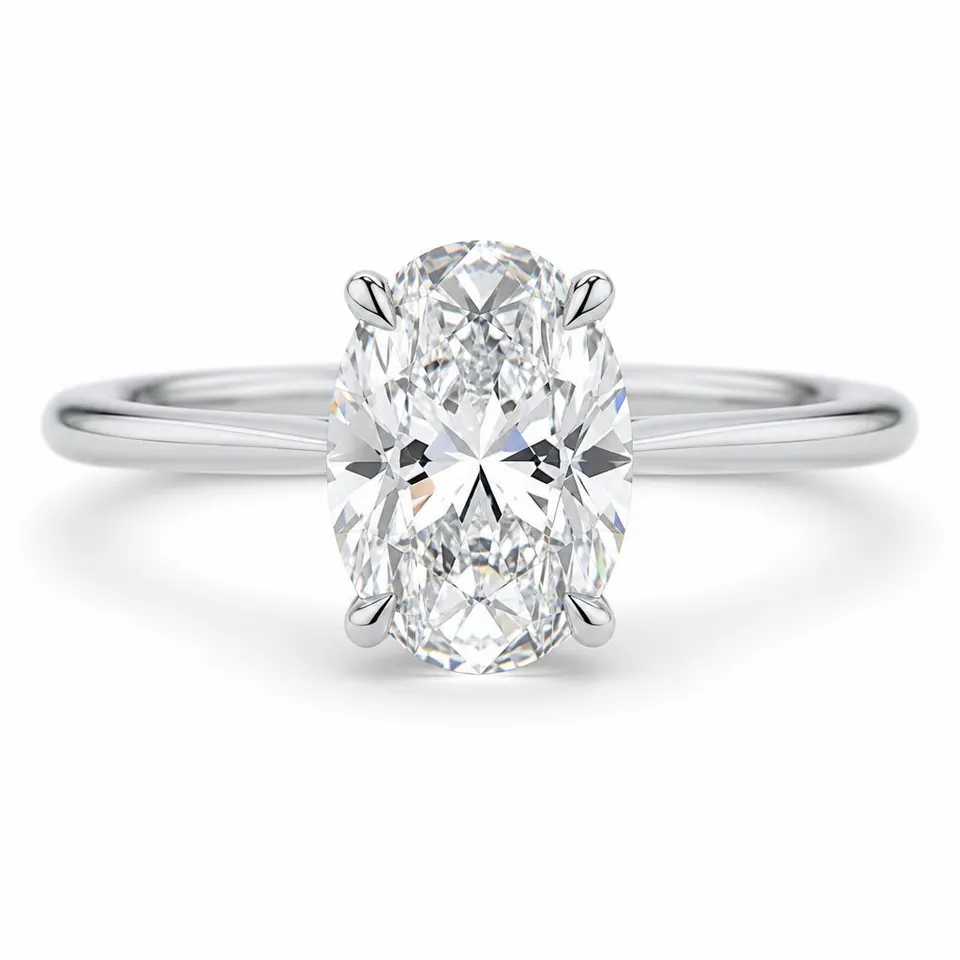
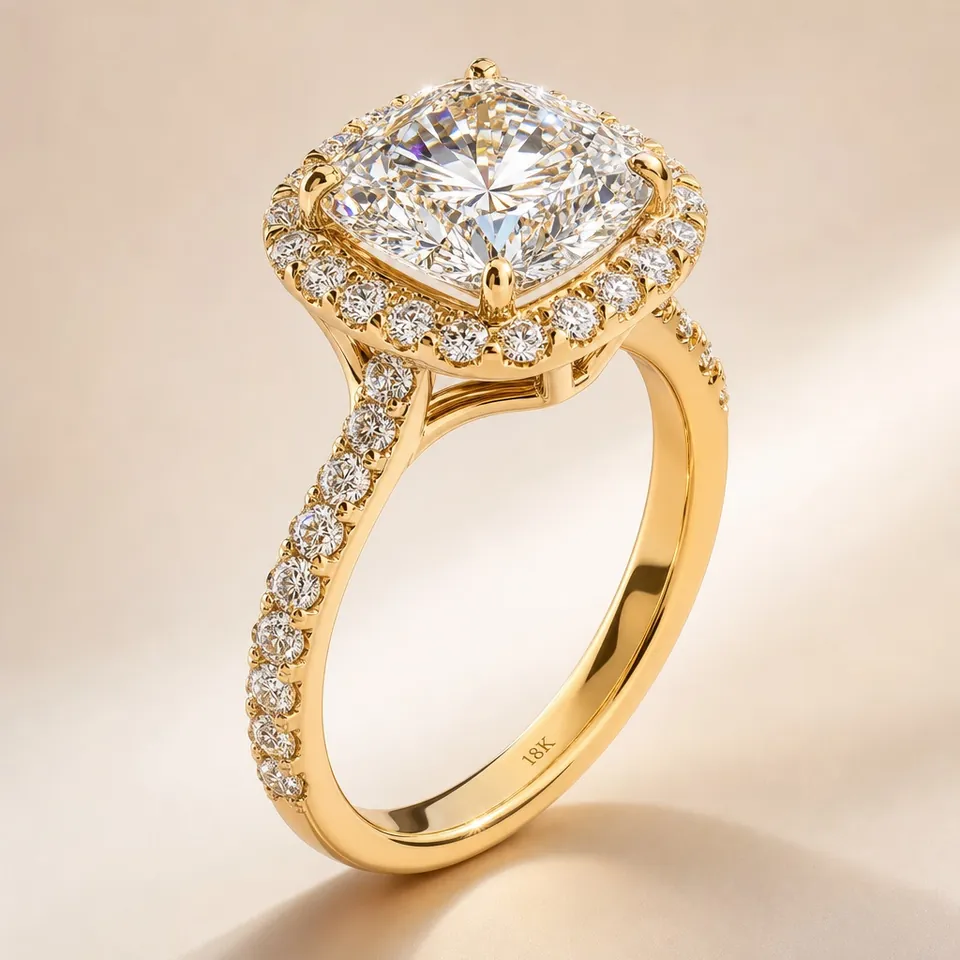
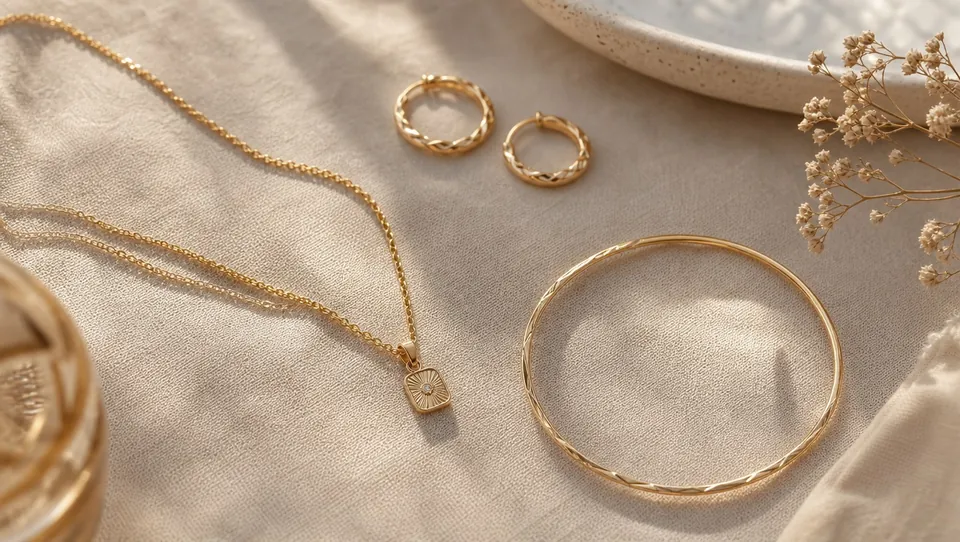
Photos, sketches, renders, or GLB, STL, OBJ and FBX files.
Product shot, try-on, lifestyle scene and campaign shot.
Choose a mode and a few settings, then generate.
Keeps the shape, setting, stones and metal of your piece.
Use cases
One studio for every image a jewellery brand needs, from catalogue to campaign.
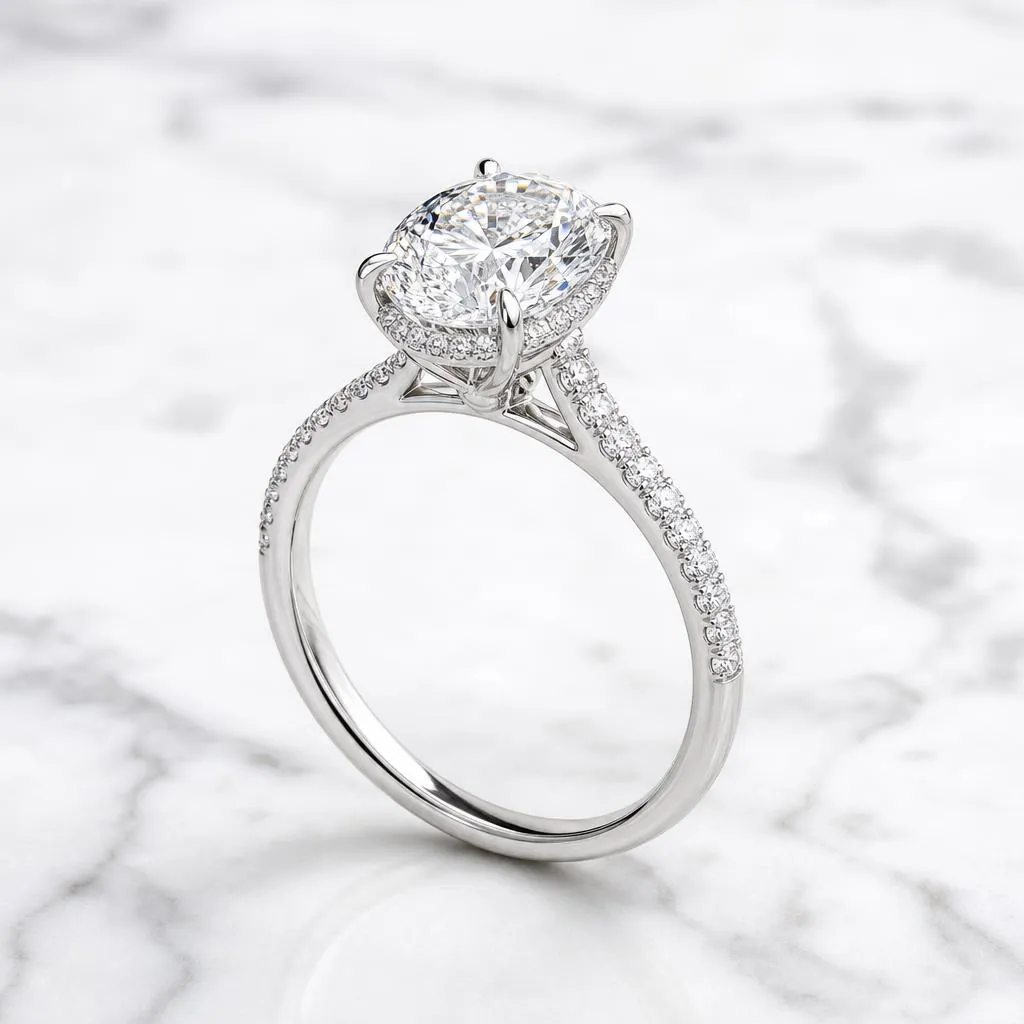
Crisp, clean product images for your online store and catalogues.
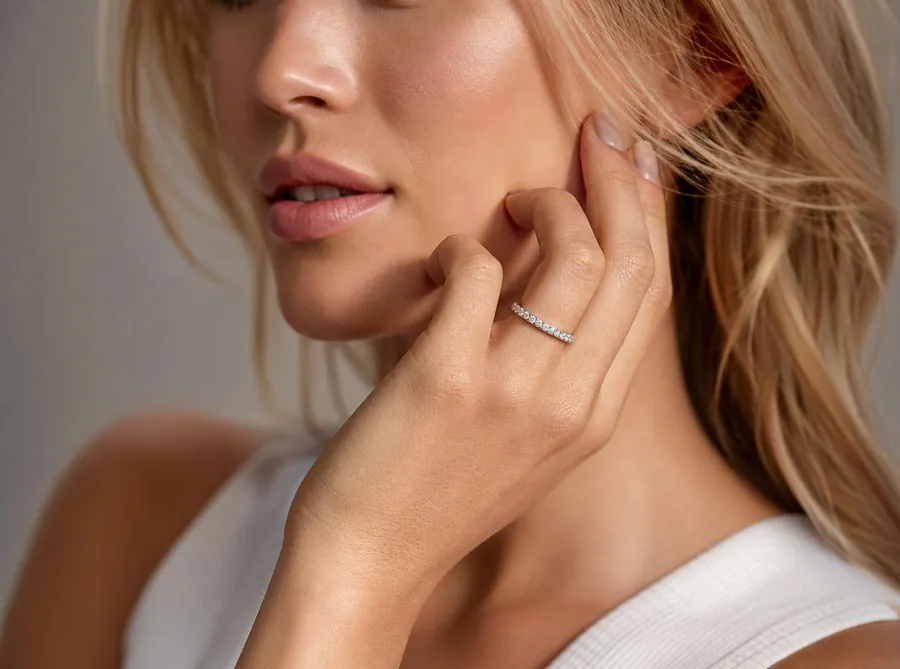
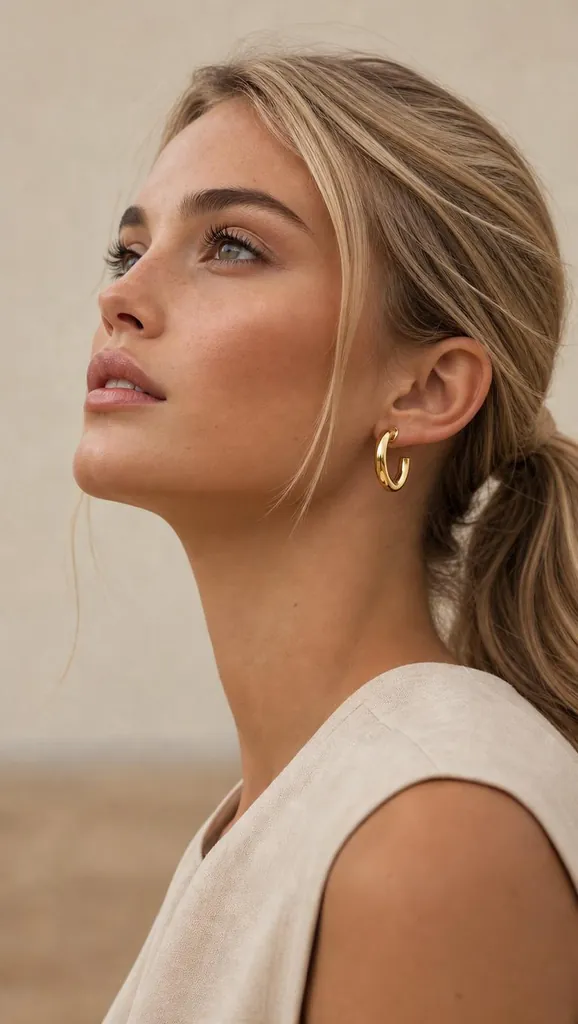
Realistic try-on images that help customers picture the piece.
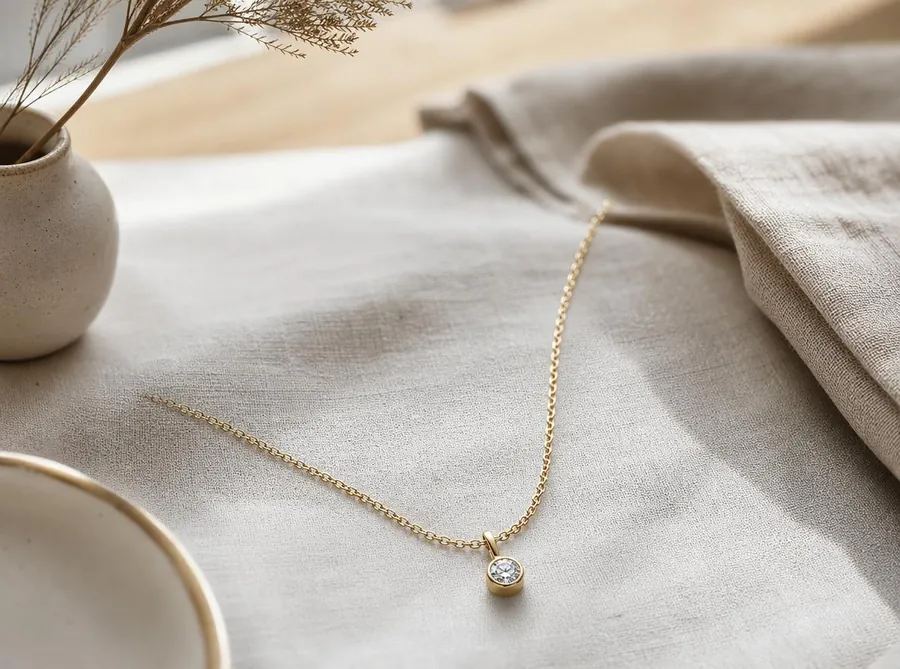
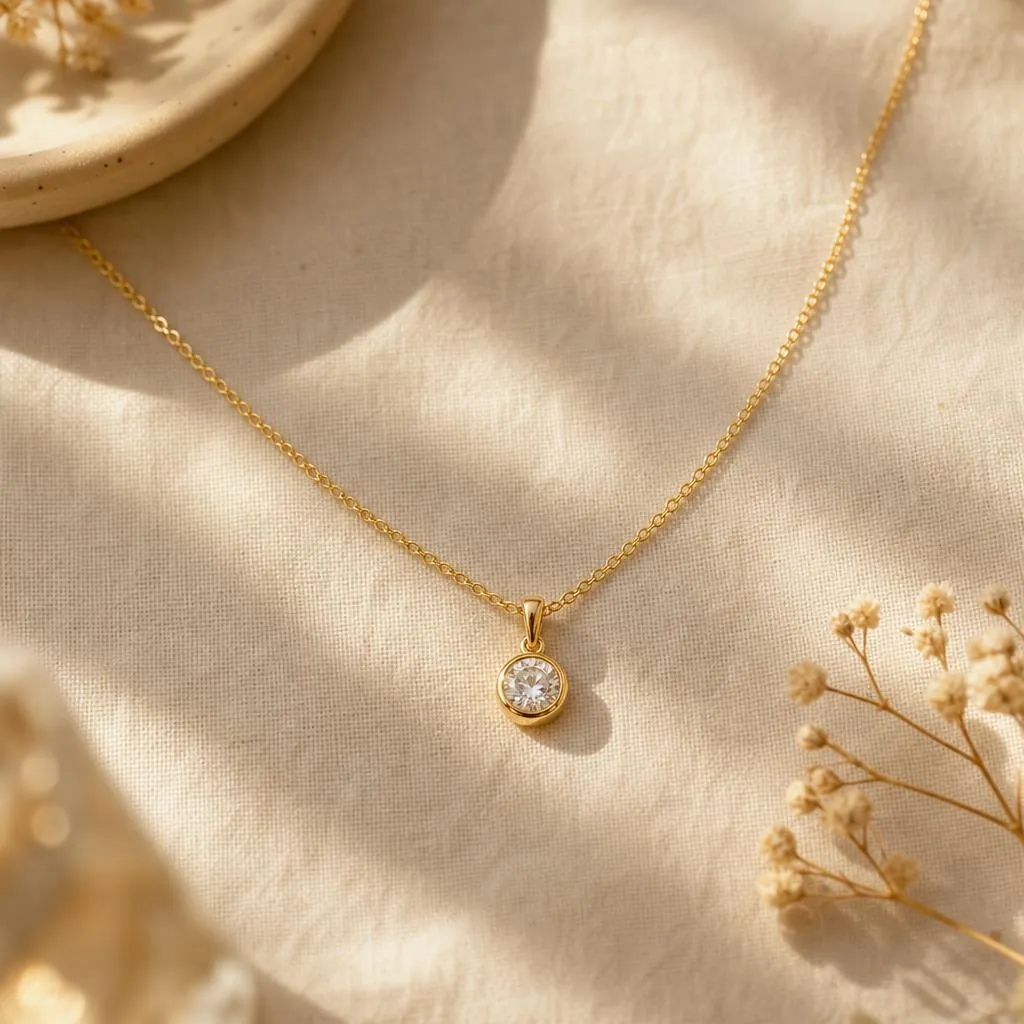
Styled scenes that bring your jewellery to life in a natural setting.
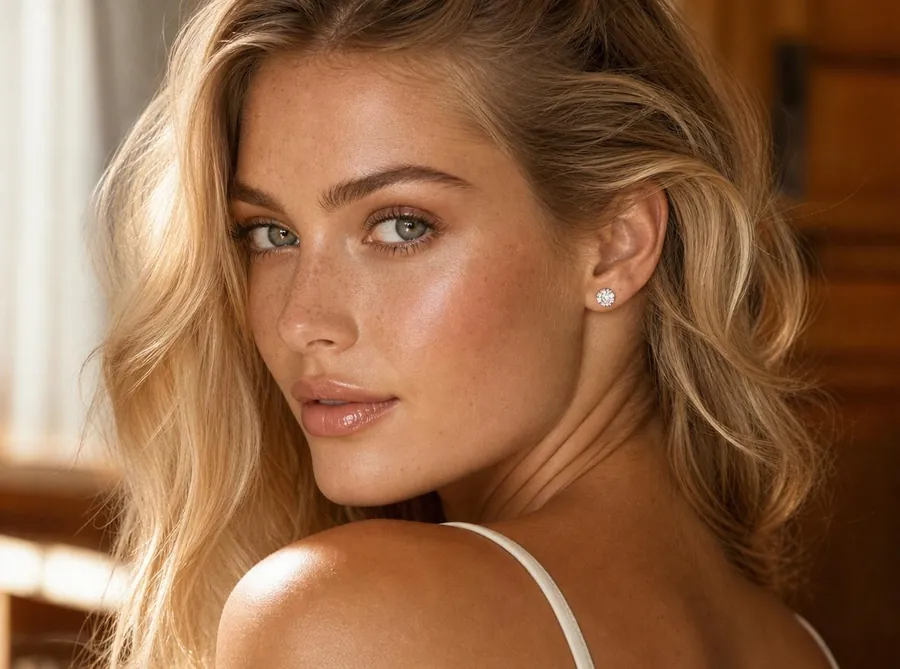
High-impact visuals for lookbooks, ads and brand campaigns.
Examples
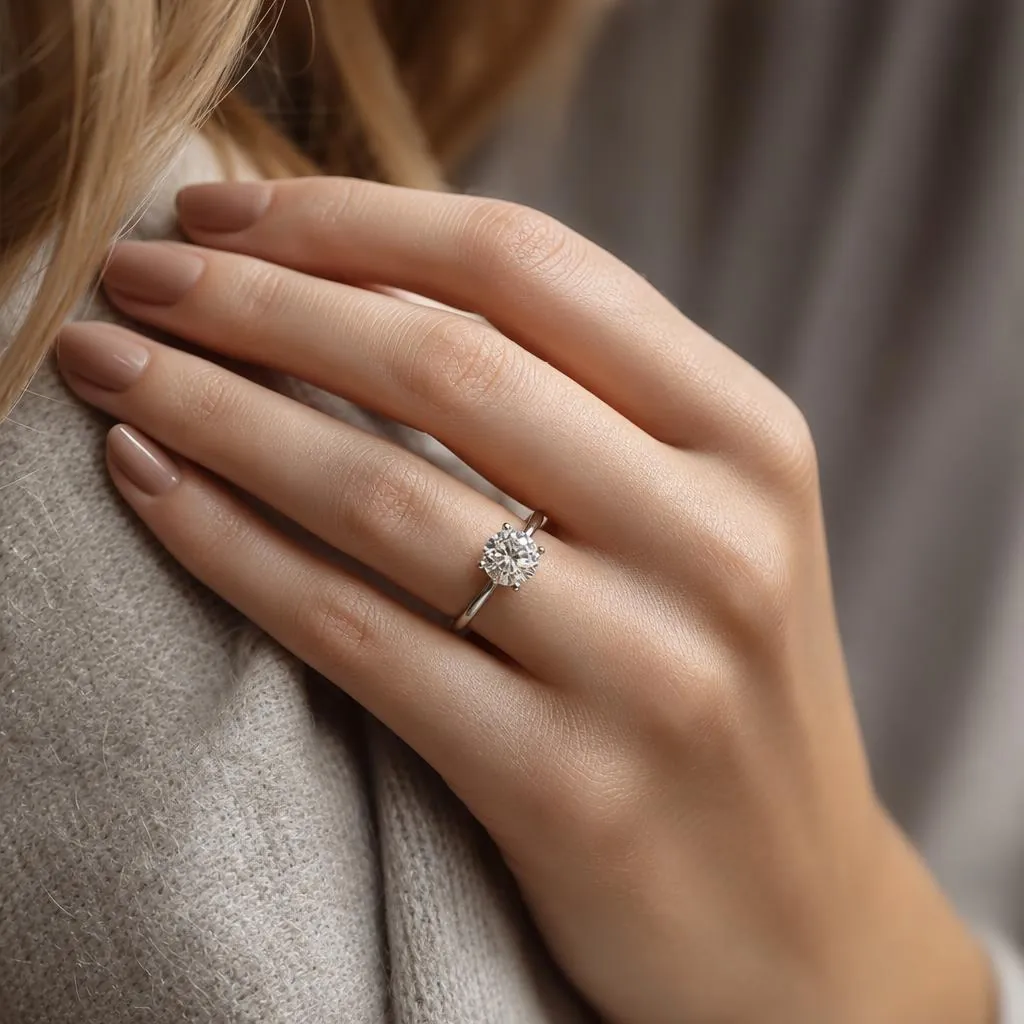
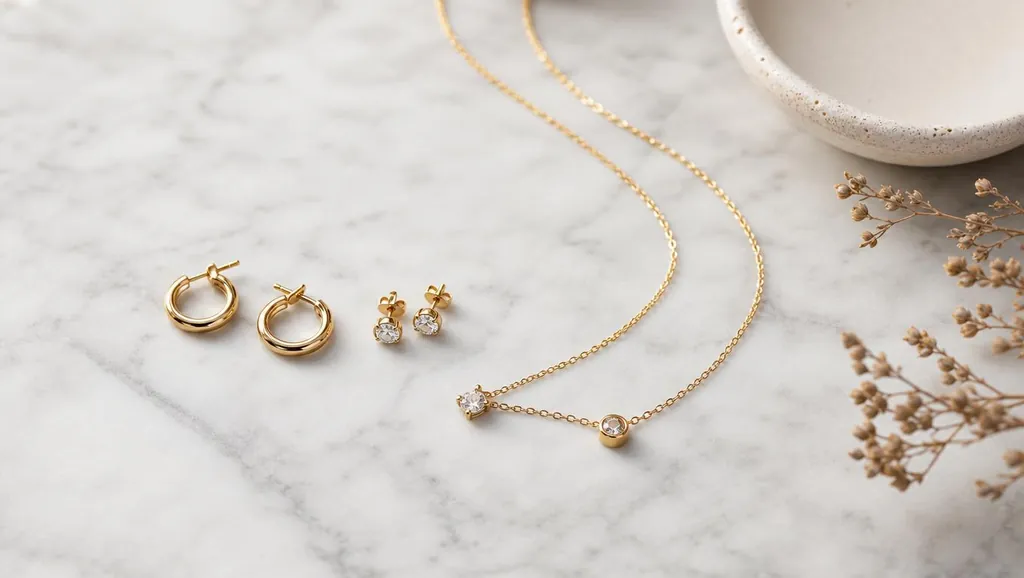
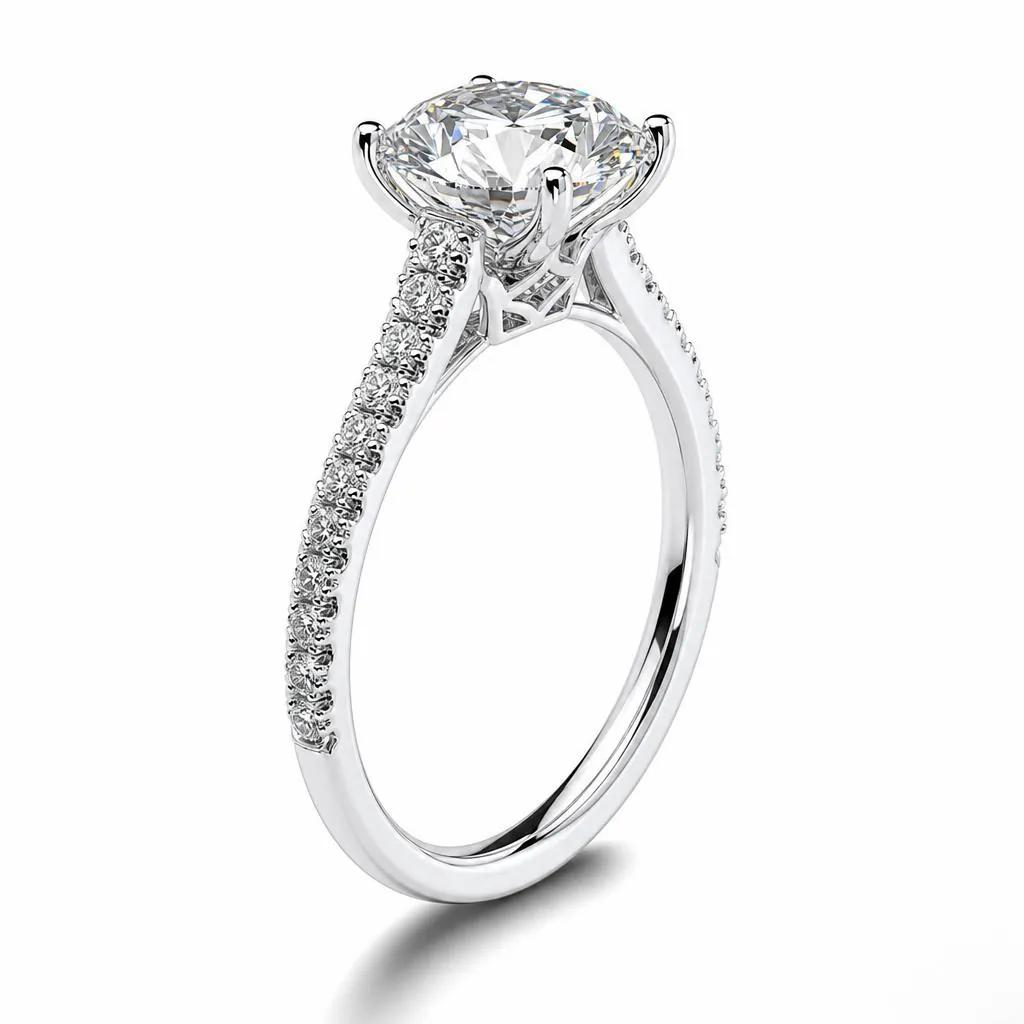
FAQ
Up to five JPG, PNG or WebP images of one piece, such as product photos, sketches or CAD renders. You can also add one GLB, STL, OBJ or FBX file and we capture five views of it in your browser.
No. Choose an image mode, the jewellery type and a few settings, then generate. You can add an optional note if you want something specific.
A 1024 × 1024 image costs 1 credit and a 2048 × 2048 image costs 2 credits. New accounts get 10 credits.
The credits reserved for that image are returned to your account automatically.
References and generated images are stored privately for seven days. Download the images you want to keep.